Aether
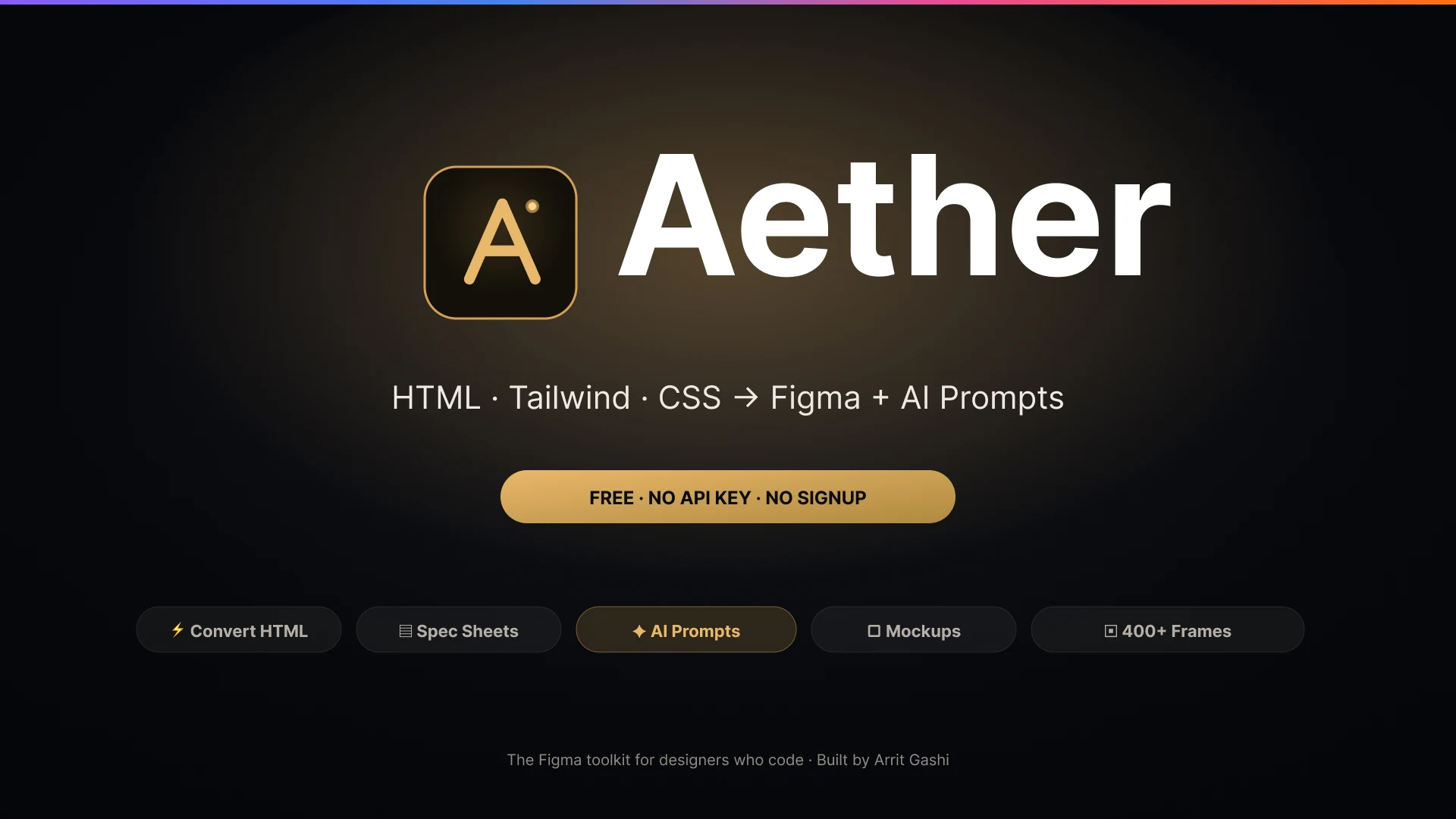
A Figma plugin that pastes HTML and Tailwind in as real layers, and turns any frame into an AI brief.
- lines of code, zero dependencies
- ~13k
- API keys or signups required
- 0
The problem
Design and code run in opposite directions and both handoffs leak. A developer's HTML has no route back into Figma except a screenshot, so designers rebuild what already exists. Going the other way, a finished frame has to be described to a developer — or to a coding model — by hand, which is exactly where variants, tokens, spacing and states get lost. The bridges that exist generally want an API key, a signup, or a paid seat.
What I built
A Figma plugin with no build step, no dependencies and no signup: a sandbox backend and a single-file interface, around thirteen thousand lines between them. The headline converter takes pasted HTML, Tailwind or CSS and emits native Figma layers — auto-layout, gradients, shadows, fonts, SVG — rather than a flattened image.
The part that earns its place is the prompt generator. It walks a selected frame and composes a structured brief for a coding model: components used, visual hierarchy, text and icon inventories, interactive states, a colour usage map, the spacing scale, border radii, and build instructions. Alongside it, spec sheets generate developer handoff artboards with numbered anatomy markers, layout overlays, a layer tree and bound design tokens.
A later maintenance pass removed around 580 lines of verified-dead code, consolidated nine duplicate hex converters into two shared functions, and replaced an external QR service with the plugin's own offline encoder. It also deleted a line from the design audit that promised a contrast check the code had never actually computed.
The hard part
The component tree lies in specific ways
Hand a model a naive dump of a Figma tree and it rebuilds the wrong thing, because the tree misleads in predictable places. The clearest case is the gap between the slot and the chassis: a text field's instance slot might measure 388 by 64 while the input a person actually sees is 388 by 40. Pass the 64 along and every form comes out with the wrong vertical rhythm. Radius, fill and border also routinely live on different nodes than the frame, so the capture searches per-property through the subtree instead of reading the root.
The rest is a series of similar corrections: icons get a glyph identity rather than a node name, invisible variant slots and zero-alpha placeholder rectangles are filtered out so the model does not render boxes nobody can see, and auto-layout always emits its gap and alignment even when they are zero and start — because an omitted value is a value the model will invent. Every inventory is capped for performance, but each cap emits a visible "and N more" note, so truncation is never silent. Silent truncation would produce a confident, wrong brief, which is worse than an obviously incomplete one.
Outcome
- Published free on the Figma Community with no API key and no signup required.
- Around thirteen thousand lines of application code with zero dependencies and no build step.
- A cleanup pass removed roughly 580 lines of dead code and one external network dependency.
- An honesty pass on the copy: the design audit stopped claiming a contrast check it never ran.
Screens
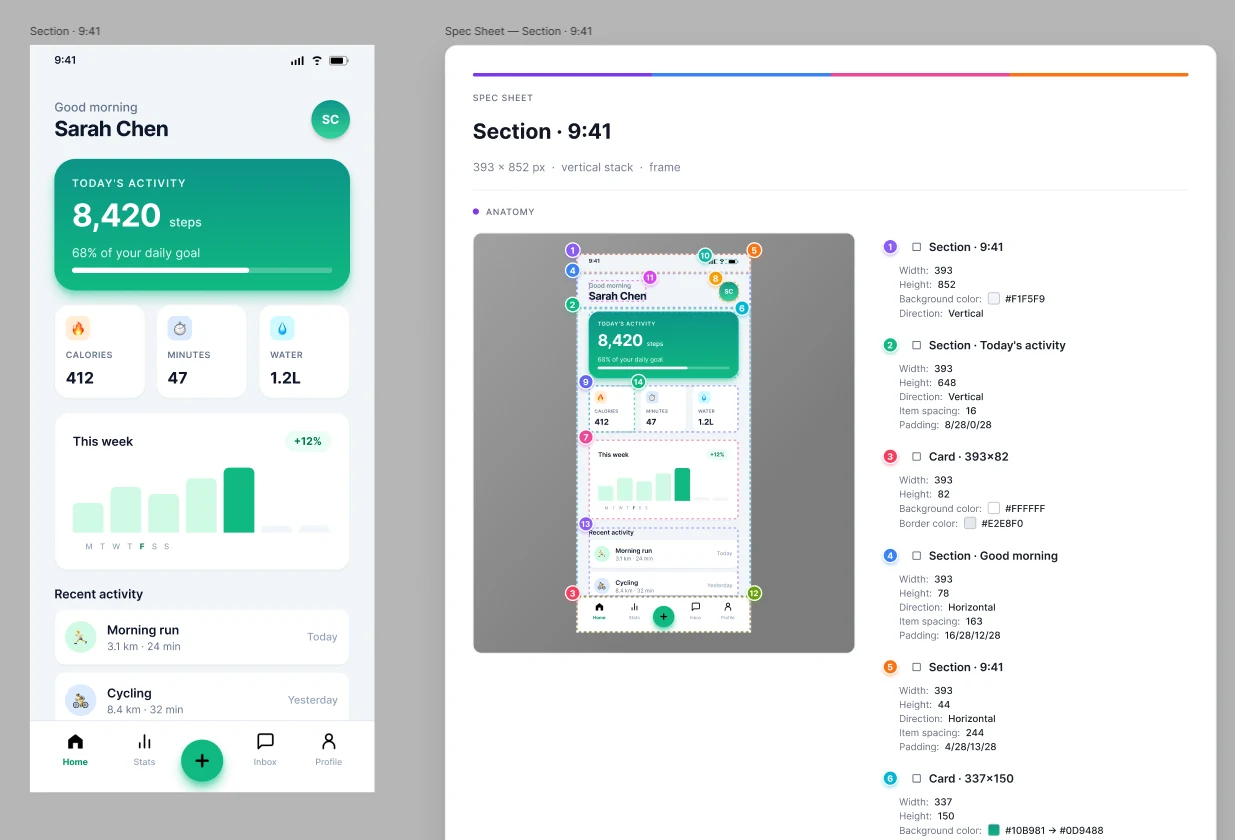
The spec sheet is the output, not the interface. It lands beside the selection as an ordinary auto-layout frame, so every chip and row stays editable.
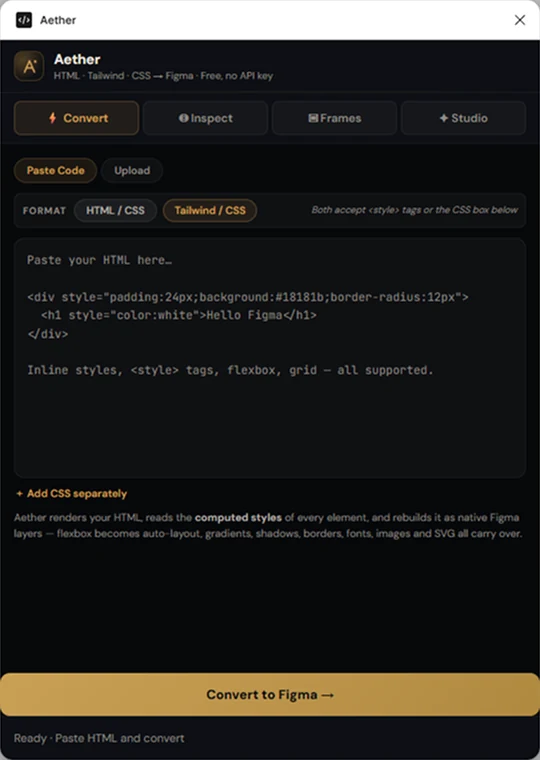
Paste HTML, Tailwind or CSS. It comes back as native layers with auto-layout, gradients, shadows, fonts and SVG intact, rather than as a flattened image.
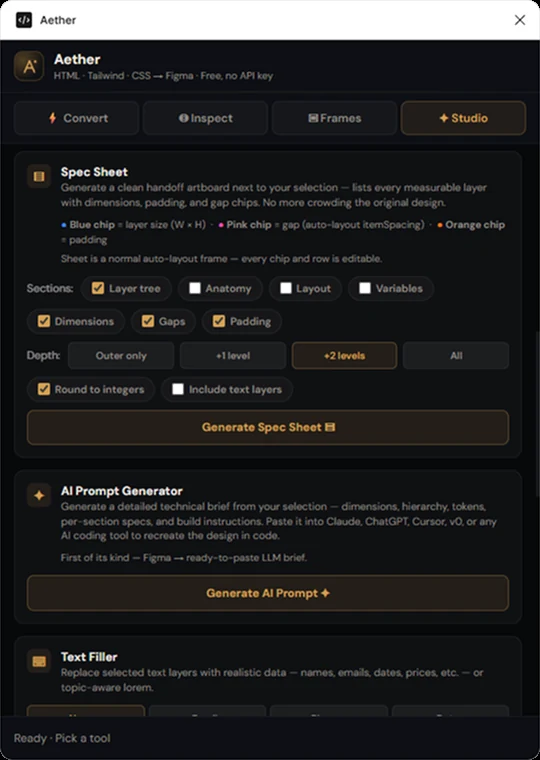
The prompt generator walks the selected frame and composes a brief a coding model can act on: hierarchy, tokens, per-section specs, build instructions.
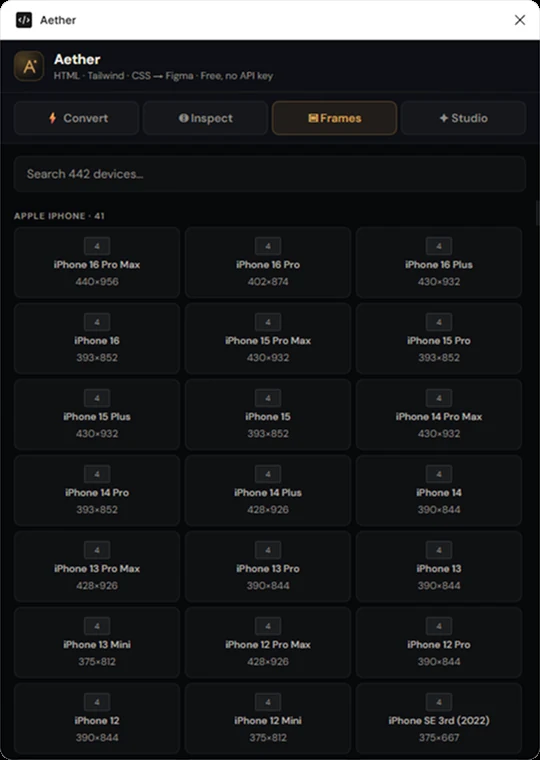
442 device frames, searchable.
Want something like this built? I take on a small number of projects at a time.